How to Install Rupee Font

- Download the Rupee Font from Rupee_Foradian.ttf (Click Right Mouse " SAVE TARGET AS")
- Install
to Fonts folder of your System
(It is easy. Just copy the font and paste it in "Fonts" folder in the Control Panel) - Done. :)
This is a quick slideshow help.
How to use the Indian Rupee Font in MS Application
How to use in Microsoft Word Font for new rupee symbol of India
How to use the Indian Rupee Font in MS Application
How to use in Microsoft Word Font for new rupee symbol of India

- Go to setting ----- > Control panel ------> Regional & Lang Option ------> Customize ------> then click Currency tab
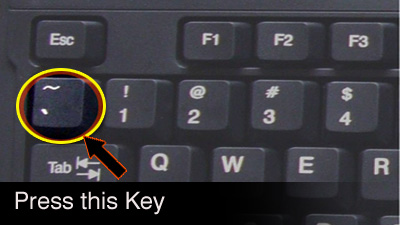
- Put currency symbol as " ` " click ok
- Open Excel
- Go to format cell (Ctrl + 1 command)
- Click to Number tab ------- > select currency as " ` " & ok it
- Select fonts as Rupee_Foradian.ttf
·
How to use in Microsoft Excel


